
Install muxclid
curl -fsSL https://muxcli.dev/install.sh | bashtmux-native control plane
Run Codex, Gemini, Claude, and shell sessions on your own server. Pair once, then attach and continue any session from MuxCLI.
curl -fsSL https://muxcli.dev/install.sh | bashScan the code, connect to your server, then create a new session directly in the app.
Everything needed to pair, launch, and control long-running CLI sessions from mobile.
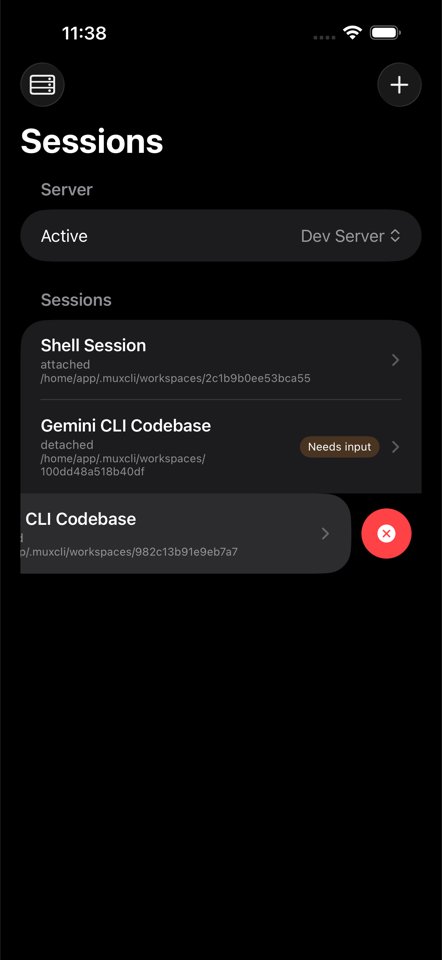
Switch servers, review session state, and jump back into any running CLI workflow.
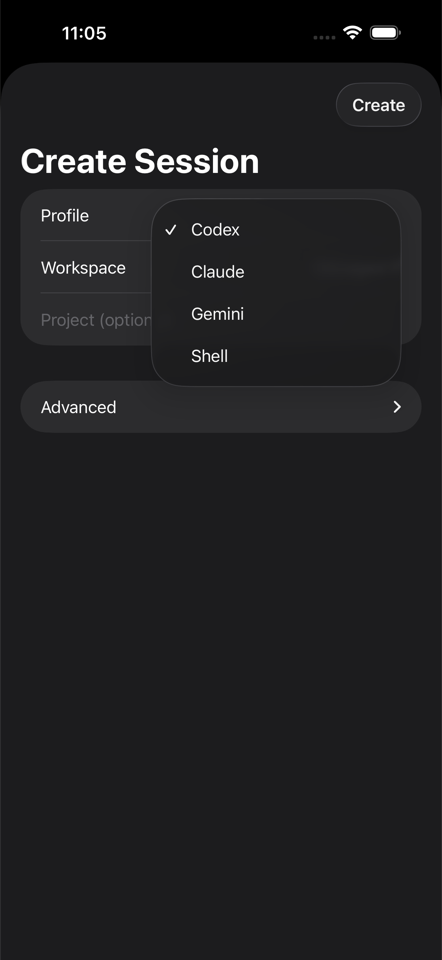
Start Codex, Gemini, Claude, or shell with profile defaults and advanced launch overrides.
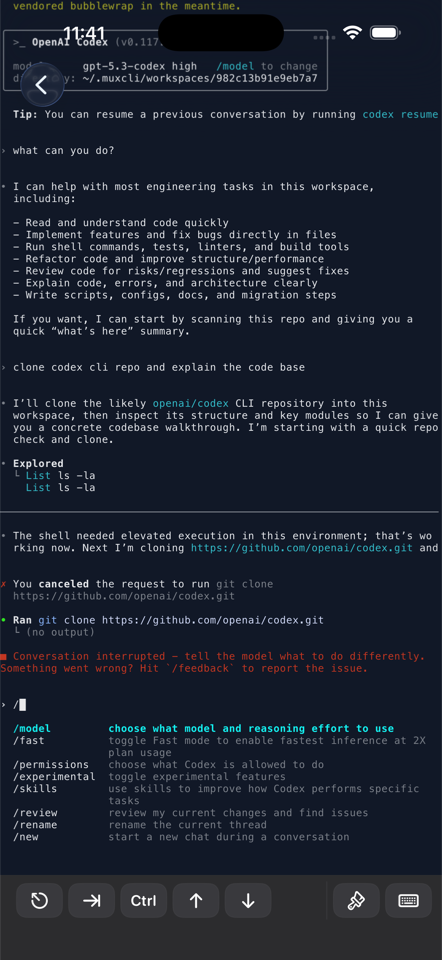
Attach, continue prompts, and operate tmux-backed terminals with iPhone-first controls.